
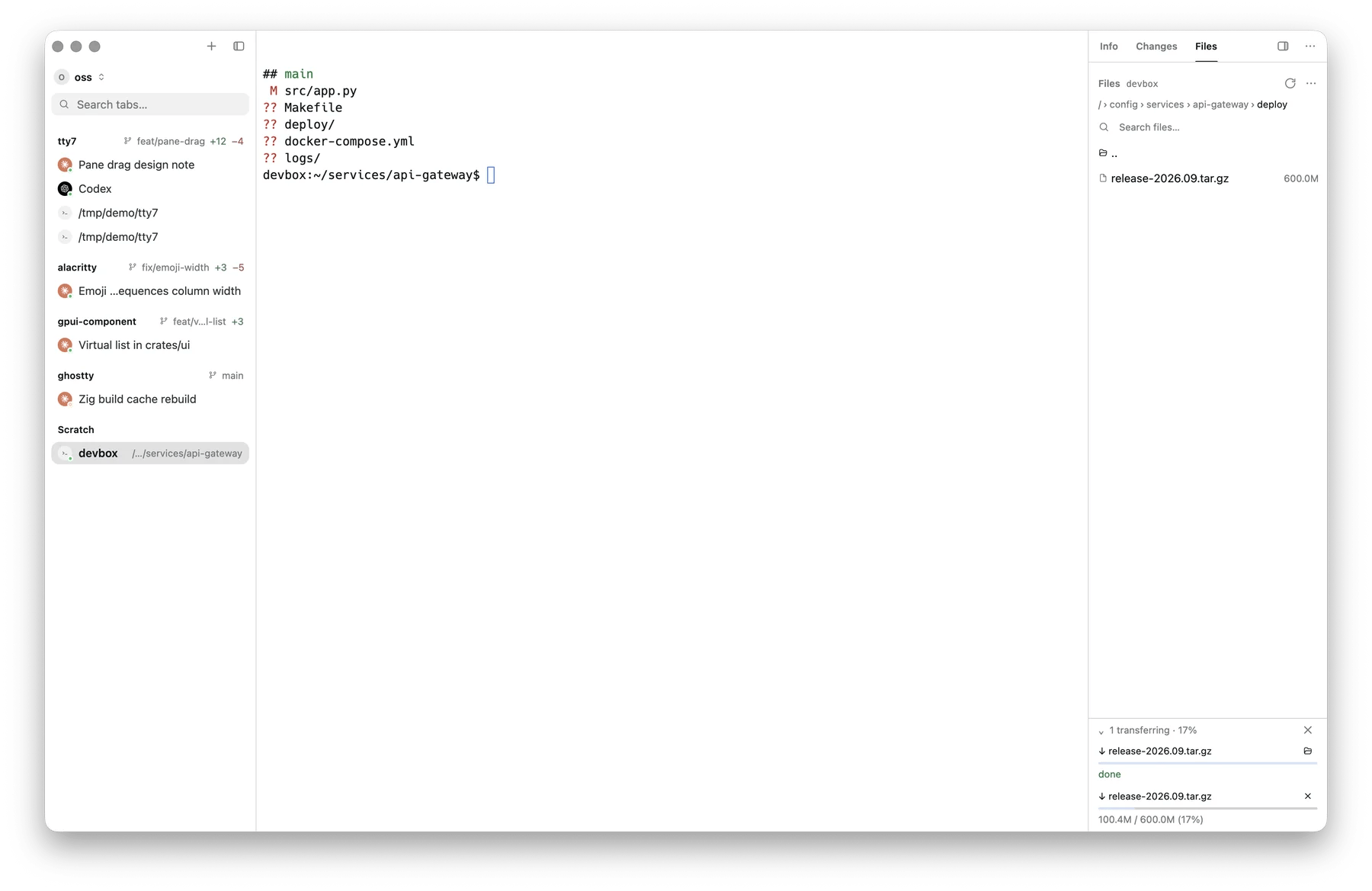
The SFTP panel over an SSH pane, a download in progress
Browsing
The panel opens wherever the pane’s shell currently is. If tty7 cannot tell (the remote shell does not report its directory), it opens on the last folder you browsed in that pane, or on the remote home directory the first time. Switching between panes with the panel open brings each pane back to the folder you left it on. Go to Shell Directory in the overflow menu jumps back to the shell’s directory at any time. Right-click a row for Edit (Open on a directory), Download, Follow Symlink, Rename, chmod…, and delete. The overflow menu adds New Folder, New File, Upload…, and Refresh.Editing
Click a text file and it opens in the built-in editor, the same gesture as the local file tree; saving writes straight back over the same connection. Files the editor cannot hold — binary, or over its 4 MB limit — say so instead; right-click → Download for those.Transferring
Uploads are written under a temporary name and renamed into place at the end, so
a half-finished file never looks like a finished one. A name that is already
taken asks before replacing.
Transfer History in the overflow menu shows every transfer with its
progress, and lets you cancel one in flight. The panel header summarises what is
happening — “2 transferring · 64%”.
Permissions
chmod… takes an octal mode (755, 600). The current mode is shown in the
row’s editor before you change it.