
Creating one
New Worktree Tab… — in Search Everywhere, the tab’s right-click menu, and the application menu — asks:
Each field opens on a suggestion you can accept or type straight over.
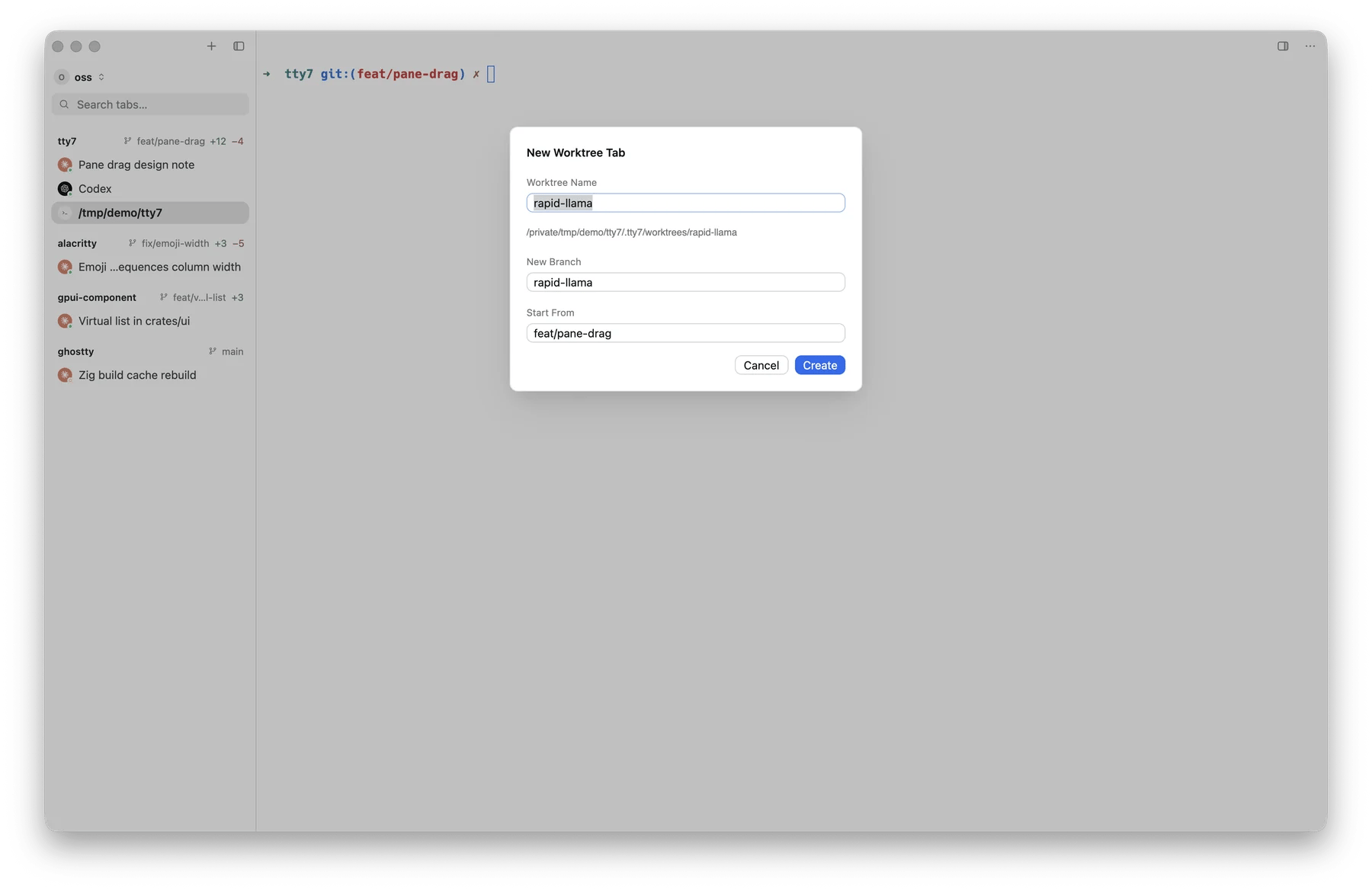
The New Worktree Tab dialog, every field pre-filled
.worktreeinclude asks
for, opens a tab there, and runs .tty7/setup followed by the agent. The
sidebar files it under the same repository group as its
parent, on its own branch.
The new branch does not track origin/main: its first git push -u goes to a
branch of its own name.
Files a checkout needs: .worktreeinclude
A fresh checkout has none of your gitignored files — no .env, no local
settings. List the ones it needs in .worktreeinclude at the repository root,
in gitignore syntax:
node_modules.
Making it runnable: .tty7/setup
Commit an executable at .tty7/setup — any language, with a shebang — and
every new worktree runs it in its first tab, before the agent. Install
dependencies there, rather than copying them:
TTY7_PORT comes from the worktree’s path, so a dev server started there does
not collide with its siblings, and the same worktree always gets the same
ports. The setup and the agent are chained with &&: if setup fails, the
agent does not start and the error stays on screen.
The script is code from the repository, so tty7 asks before running it the
first time, and again whenever its content changes. Without a setup script,
the dialog suggests one based on your lockfile (pnpm install, uv sync, …).
Setup runs on macOS and Linux; Windows worktrees skip it.
Where they go
Worktrees land inside the repository, under:.git/info/exclude, so it never shows up in
git status, and .tty7/setup next to it stays committable.
Removing one
Closing a worktree tab offers to remove the worktree with it:- Clean tree — Remove Worktree or Keep.
- Dirty tree — the dialog says so, and removing requires the explicit Discard Changes & Remove.
refs/tty7/trash/<name>. Even a discarded
change can come back:
tty7 worktree ls finds it later.